Claude Chat, Code & Cowork: What are they, how to work with each?
Plus, why you should always have a set of at least 3 knives, not just a single favorite one.

You might have noticed that I already started to dive deeper into the topic of AI tools & workflows with my notes. These are the topics that are my current work and exploration focus, plus the feedback I received while ago suggested to expand this area. Sounds like a perfect match!
In the latest note I already mentioned that we don’t need so many of AI tools. I can say that because over the years I have been intensively exploring all major tools, and recently decided to focus mainly on Claude. This setup significantly improved my results, my knowledge is not scattered between solutions, and I finally feel more focused on actual work than on deciding which solution to go for.
With this note I will explain why I started to focus on Claude and what its three main modules are, and then show you practical use cases.
Why Claude?
As I write this, there are three top multipurpose LLM solutions on the market: one built by Anthropic, one by OpenAI, and one by Google. They all try to expand the capabilities of their solutions across various territories.
When it comes to Claude, I have a feeling that Anthropic focused on delivering AI for more professional use cases: analysis, interacting with other software, security and product building.
When I was finishing this note on Friday afternoon, I received notification that Anthropic just released another tool, Claude Design this time dedicated to creative pros (read more here). This only confirmed what I observed before.
Once I will dive deeper into the new Claude Design, expect to receive the updates, discoveries and my recommendations on this AI tool too. Subscribe Thalion’s Notes if you haven’t to get them soon.
I like that direction dedicated for “pros”, which is why this year I decided to go all in with Claude. As I wrote in my previous note, I plan to monitor a set of AI tools on a regular basis and evaluate them, so you will surely know if I get better results using another solution.
It’s not that other companies don’t provide, or aren’t trying to develop, similar solutions. However, the clarity, the way of interaction, and the results that Claude delivers have fit my expectations the most in recent months.
Swiss army knife or special blades?
If you read my notes regularly, you may know that one of my after-work hobbies is cooking and baking. If you also prepare meals at home regularly, you will discover an interesting fact: it is much more efficient and convenient to have a few knives than just one. In theory, one blade would be the ultimate sophistication: no need to search for a specific one, always a single simple choice to cut something in the kitchen.
The reality is different.
If you try to slice fresh bread with a chef’s knife, you will crush and crumple the piece. If you try to use it to peel a potato, you may easily hurt your hand or end up with a dice-shaped vegetable instead of a smooth one.
Professional chefs know that there is a dedicated knife for each activity. Some may use even 15 types of blades. There is a core set: chef’s knife, paring knife, boning knife, fillet knife, and bread knife. Pros also use more specialized types, just to mention a few: cheese knife, oyster knife, cleaver, carving knife, santoku, and nakiri.
In practice, 99% of people will reach their peak performance in the kitchen with three types of knives, which seems to be the perfect balance:
Chef’s knife: the main workhorse.
Paring knife: used for more detailed work, like peeling.
Bread knife: cuts bread efficiently.
It’s similar with AI. While I recommend limiting the number of tools we use on a daily basis, that doesn’t mean there is one way or a single solution to work with AI.
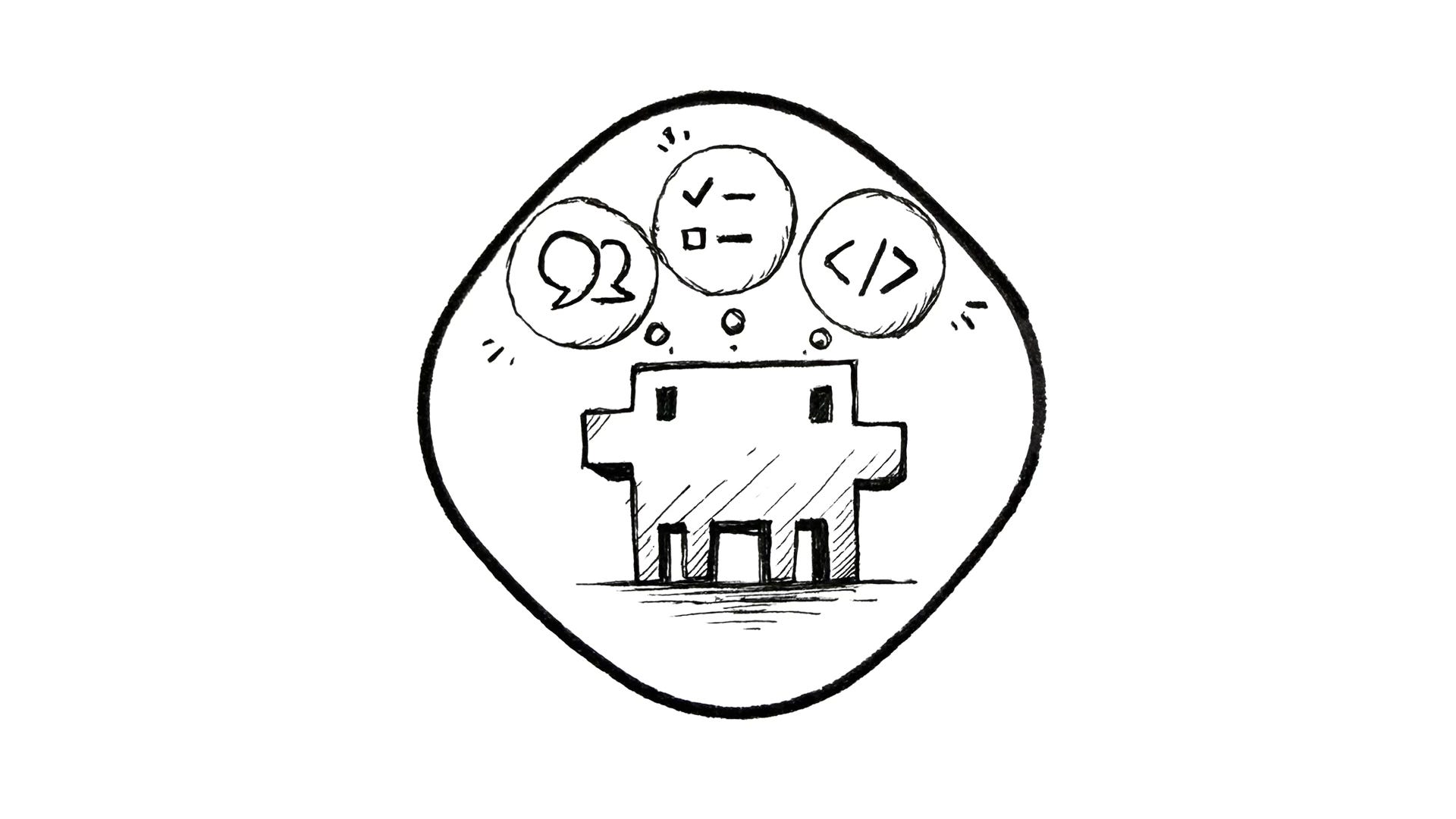
I really like that Anthropic gave us a clear distinction between purposeful uses of AI with Claude modules: Chat, Code, and Cowork. Let’s describe which is which and when to use each of them.
Claude Chat
The AI hype began with the release of ChatGPT, and Claude Chat is Anthropic’s equivalent.
In general, it is a conversational interface. Claude works in the browser and mobile app, but also on your desktop. Just like other similar solutions, it answers questions, helps with writing, ideation, and analysis, and translates, summarizes, and finds content on the internet.
You write, or talk, and Claude responds. It is worth noting that it has no access to your files or system. You need to paste or upload content yourself.
Personally, I started to prefer conversations with Claude because it was always more to the point and followed the constraints I gave it much more efficiently, making it far more reliable.
Claude Code
Claude Code is a command-line tool for developers who want to vibe-code or create software with AI assistance. Originally available in the terminal, or embedded in the most popular IDEs like Cursor, VS Code, and Xcode, it also received a desktop version.
Claude Code is designed to read, write, and modify files and code directly inside a project. Users can extend its capabilities by connecting other tools through MCP servers or providing skills, which are prebuilt prompts with specific knowledge or instructions.
It is agentic software, meaning it performs a specific task on its own, and it is dedicated for developers. However, since many people got creative with Claude Code and started using its capabilities for various office tasks, such as creating documents, analyzing, searching, and organizing their files, Anthropic developed a more dedicated solution for them.
Cowork
Anthropic developed Claude Cowork after noticing that their coding tool was being used for a wide range of tasks beyond software development.
Cowork is a module for non-developers. It lets you delegate tasks and entire workflows to a Claude agent. It works through a desktop app. The user grants access to a chosen folder, a workspace, on their computer, and then Cowork can add, edit, and remove files, draft presentations and reports, and perform many other actions within that folder.
Like Code, Cowork works on an agentic basis. You give it a task, and it works until it’s done, without needing you to guide Claude step by step or copy and paste results between chat and files. It can also schedule or perform recurring work. You just need to ensure that the computer is turned on when it’s performing those tasks, because Cowork works on your device, not in the cloud.
To extend Cowork’s capabilities, you can connect multiple services like Google Drive, Gmail, Microsoft Excel, and other business tools. Just like Code, you can extend or modify its capabilities with MCP servers and third-party skills.
How designers may use Claude: practical examples
The thing about AI is that it is easy to start with and has huge potential, but to discover where it helps the most in practice, you need to experiment a bit. Sometimes the result may differ depending on the prompt technique you use, and sometimes a third-party skill improves the output significantly.
If you’re struggling to figure out which tasks you as a creative professional might use Claude for, here are just a few practical examples for each:
Chat:
Prepare benchmarking.
Generate or challenge the first ideas for a product or features.
Ideate on UX writing and improve copy.
Design critique based on existing mockups.
Help to plan research.
Synthesize research.
Accessibility audit.
Shape user flows and customer journeys.
Claude Code:
Build your own portfolio, even without any other design tool.
Develop any kind of app or website.
Build a plugin for a tool you want to expand, like Figma or Framer.
Build a real design system by turning your Figma kit into a set of reusable coded components.
Build temporary tools to manipulate assets, such as changing image formats, compressing or optimizing them, and inspecting the website.
Claude Cowork:
Organize your screenshots and inspiration gallery.
Analyze those screenshots to find interesting patterns.
Summarize meeting notes and prepare the next steps based on them.
Automate benchmarking by collecting data about competitors and compiling a report.
Draft product requirement documentation.
Analyze sheets with quantitative research results or analytics to find elements that need attention.
Create personas based on documents with research findings.
Fill out a project brief and create invoices.
These are just a few examples for you to experiment with. Once you start interacting with Claude, you will figure out more use cases. You may also consider mixing the tools into a workflow, such as asking Chat or Cowork to write specs for the components you want to build, then using that output in Code to build them.
Exercise for each week
Originally, Claude had only a terminal version, which was a bit of a friction point for non-technical people. Now, with the desktop app, you can use all its benefits without typing complex commands. If you haven’t started your adventure with Claude yet, install it and begin your adventure.
Play with various cases, try to build something, or ask it to do some document analysis. Some activities may be done in both Chat and Cowork, so check which workflow fits your style better.